 customercare@tripleplay.in


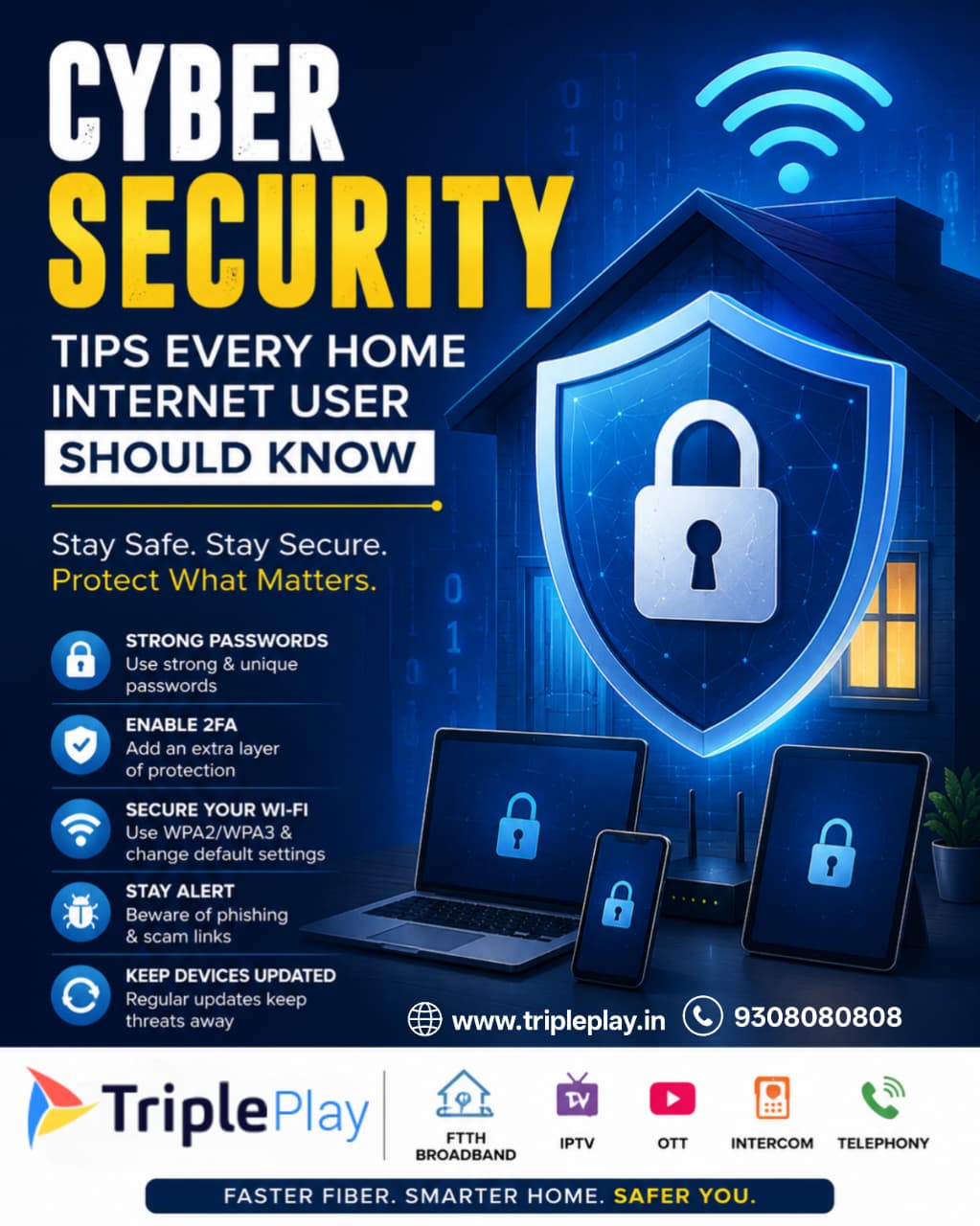
Cyber Security Tips Every Home Internet User Should Know
In today's digital world, the internet has become an essential part of our daily lives. From online banking and shopping to work-from-home meetings and entertainment streaming, we rely heavily on internet connectivity. However, as our online activities increase, so do cyber threats. Cybercriminals continuously look for opportunities to steal personal information, financial data, and sensitive credentials.
A secure internet connection is no longer optional—it is a necessity. Whether you are using broadband for work, education, gaming, or entertainment, understanding basic cybersecurity practices can help protect your data and privacy.
For users looking for a reliable and secure fiber internet experience, [Tripleplay Broadband](https://www.tripleplay.in/?utm_source=chatgpt.com) offers FTTH (Fiber-to-the-Home), IPTV, OTT, Intercom, and high-speed broadband solutions across Delhi NCR and surrounding regions. Tripleplay operates on GPON technology and provides high-speed fiber connectivity for homes and businesses.
Why Cyber Security Matters More Than Ever
According to cybersecurity experts, cyber attacks are becoming increasingly sophisticated. Hackers target home users because many households lack proper security measures. A weak Wi-Fi password, outdated router firmware, or careless clicking on suspicious links can expose personal data to cybercriminals.
The consequences may include:
Identity theft
Financial fraud
Social media account hacking
Data loss
Malware infections
Ransomware attacks
Fortunately, most cyber attacks can be prevented by following a few simple cybersecurity practices.
1. Use Strong and Unique Passwords
One of the biggest mistakes users make is using simple passwords like:
123456
password
admin123
date of birth
Hackers use automated tools that can crack weak passwords within seconds.
Best Practices:
Use at least 12–16 characters.
Include uppercase and lowercase letters.
Add numbers and special symbols.
Avoid personal information.
Use different passwords for different accounts.
Example:
❌ Rahul123
✅ R@huL#2026!Secure
A password manager can help generate and store complex passwords securely.
2. Enable Two-Factor Authentication (2FA)
Even a strong password may not be enough.
Two-Factor Authentication adds an extra layer of protection by requiring:
1. Password
2. Verification code sent to your mobile or authentication app
Enable 2FA on:
Gmail
Banking apps
Payment wallets
Even if a hacker obtains your password, they cannot access your account without the second verification factor.
3. Secure Your Home Wi-Fi Network
Your Wi-Fi network acts as the gateway to all connected devices in your home.
An unsecured network can allow unauthorized users to access:
Computers
Smartphones
Smart TVs
Security cameras
IoT devices
Wi-Fi Security Tips
Change default router username and password.
Use WPA2 or WPA3 encryption.
Disable WPS if not needed.
Hide the router admin panel from public access.
Create a separate guest network for visitors.
A secure broadband connection combined with proper Wi-Fi settings significantly reduces cyber risks.
4. Keep Router Firmware Updated
Most users update their smartphones but forget their routers.
Router manufacturers regularly release firmware updates to:
Fix vulnerabilities
Improve security
Enhance performance
Outdated firmware can leave your network exposed to known security threats.
Check your router settings every few months and install updates whenever available.
5. Beware of Phishing Scams
Phishing is one of the most common cyber attacks.
Hackers send fake emails, SMS messages, or WhatsApp messages pretending to be:
Banks
Government agencies
Delivery companies
Social media platforms
The goal is to trick users into revealing:
Passwords
OTPs
Banking information
Credit card details
How to Identify Phishing
Suspicious sender email address
Poor grammar or spelling mistakes
Urgent requests for action
Unknown attachments
Unexpected links
Always verify before clicking.
6. Avoid Public Wi-Fi for Sensitive Activities
Free public Wi-Fi may seem convenient, but it can be risky.
Cybercriminals often monitor unsecured public networks to intercept data.
Avoid using public Wi-Fi for:
Online banking
Credit card transactions
Business communications
Sensitive logins
If you must use public Wi-Fi:
Use a VPN
Avoid entering passwords
Log out after use
7. Install Reliable Antivirus Software
Antivirus software helps detect and remove:
Malware
Viruses
Spyware
Trojans
Ransomware
A good antivirus solution provides real-time protection and regular security scans.
Keep antivirus definitions updated to stay protected against the latest threats.
8. Keep Devices and Apps Updated
Software updates often include security patches.
Ignoring updates leaves devices vulnerable to known exploits.
Regularly update:
Windows
macOS
Android
iPhone
Browsers
Mobile applications
Enable automatic updates whenever possible.
9. Backup Important Data Regularly
Data loss can happen due to:
Malware attacks
Hardware failures
Accidental deletion
Ransomware
Maintain backups using:
External hard drives
Cloud storage
NAS systems
Follow the 3-2-1 backup rule:
3 copies of data
2 different storage types
1 offsite backup
10. Monitor Smart Home Devices
Smart devices are becoming increasingly popular.
Examples include:
Smart TVs
Smart speakers
Smart cameras
Smart doorbells
Smart lights
Many IoT devices come with default credentials.
Always:
Change default passwords
Update firmware
Disable unnecessary features
Buy devices from trusted brands
A secure smart home begins with a secure network.
11. Protect Children Online
Children spend significant time online for education and entertainment.
Parents should:
Enable parental controls
Monitor online activity
Teach safe browsing habits
Restrict inappropriate content
Discuss cyberbullying risks
Cybersecurity awareness should start early.
12. Secure Online Banking and Payments
Digital payments have become a part of everyday life.
Safety measures include:
Never sharing OTPs
Using official banking apps
Verifying payment links
Avoiding transactions on public Wi-Fi
Enabling transaction alerts
Banks never ask for passwords or OTPs through calls or messages.
13. Review Privacy Settings Regularly
Many apps collect large amounts of personal information.
Review privacy settings for:
Limit unnecessary permissions such as:
Camera access
Microphone access
Location tracking
Contacts access
Only provide permissions that are genuinely required.
14. Learn to Recognize Social Engineering Attacks
Social engineering attacks exploit human psychology rather than technical weaknesses.
Common tactics include:
Fake support calls
Lottery scams
Job offer scams
Investment fraud
Romance scams
Always verify identities before sharing personal information.
15. Choose a Reliable Internet Service Provider
Cybersecurity starts with a dependable internet infrastructure.
Fiber-optic broadband offers:
Better reliability
Faster speeds
Lower latency
Stable connectivity
Tripleplay provides FTTH broadband services using GPON technology along with IPTV, OTT, enterprise connectivity, Wi-Fi solutions, and smart-home-related services across multiple locations in North India.
You can learn more about their services on Tripleplay Broadband